

Connect Canva with monday.com
Embed Canva designs and files into monday.com, so creative assets sit next to the tasks they belong to — and approvals happen in one place.
Keep the latest creative next to the work it supports.
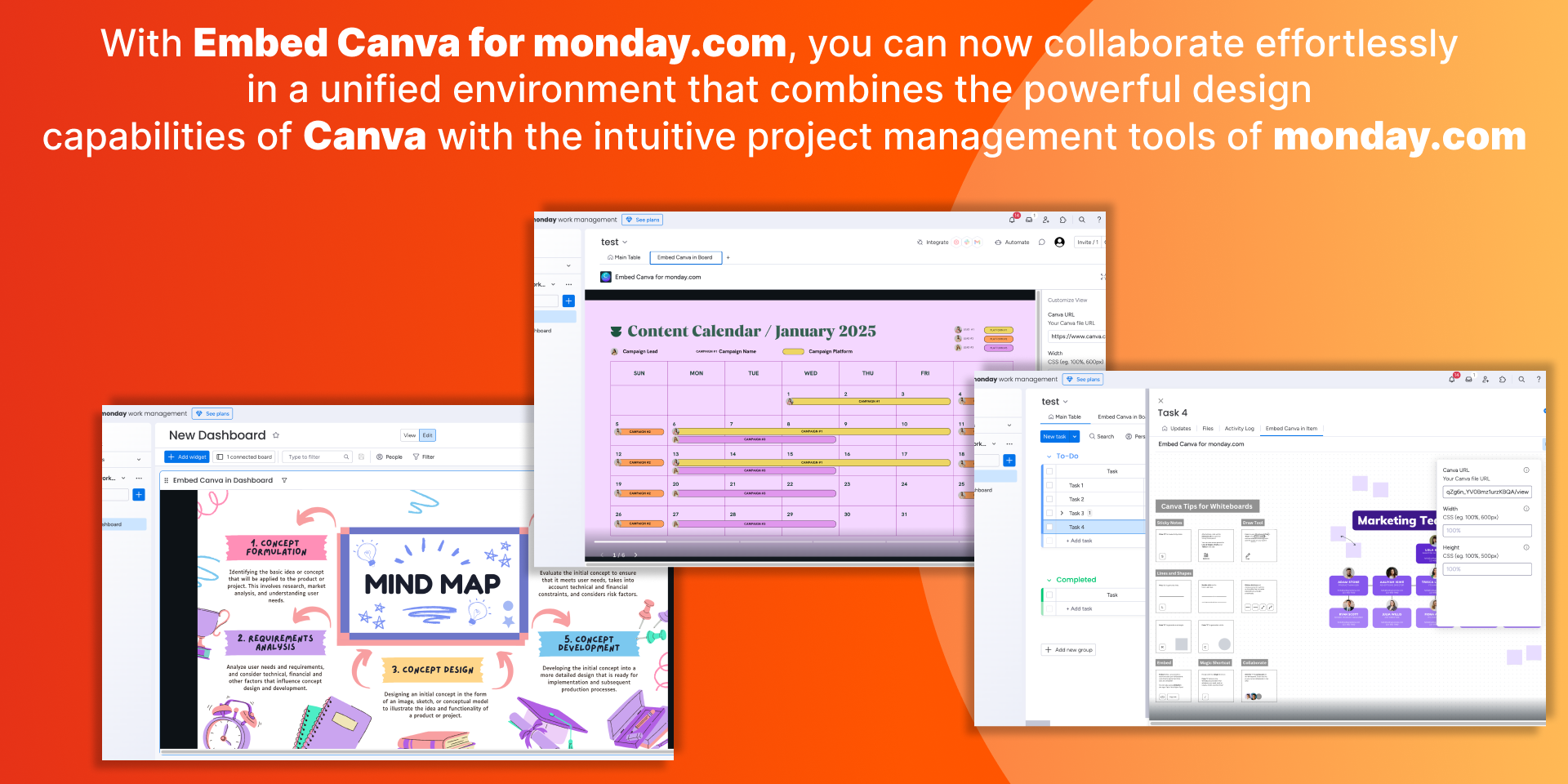
Creative that stays close to execution
Designs, briefs and approvals in the same place your team plans the work.
Creative next to tasks
Put Canva files right on the item or board they belong to.
Faster approvals
Everyone reviews the same asset without chasing links.
Board, item & dashboard
Show designs at every level of monday.com, wherever they help.
What it does
Embed Canva designs and files directly into monday.com, so creative assets sit next to the tasks they belong to. Streamline approvals and keep everyone looking at the latest version.
Connect Canva with monday.com brings your designs into board views, item views and dashboards — creative visibility and approvals without leaving monday.com.
Canva at every level of monday.com
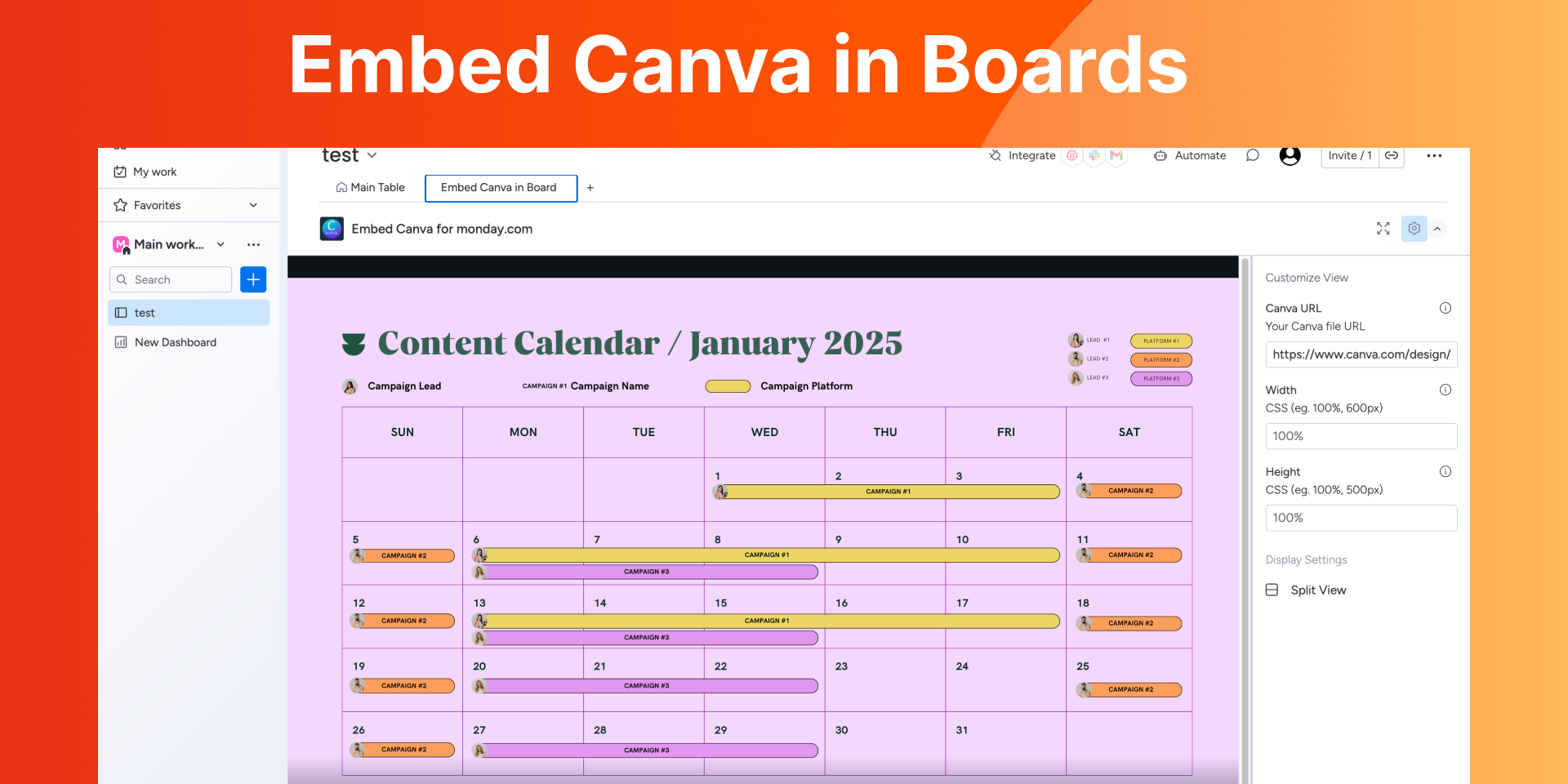
Enhance board views
Embed Canva designs and graphics directly into your board views, so you can see creative assets alongside your project tasks.
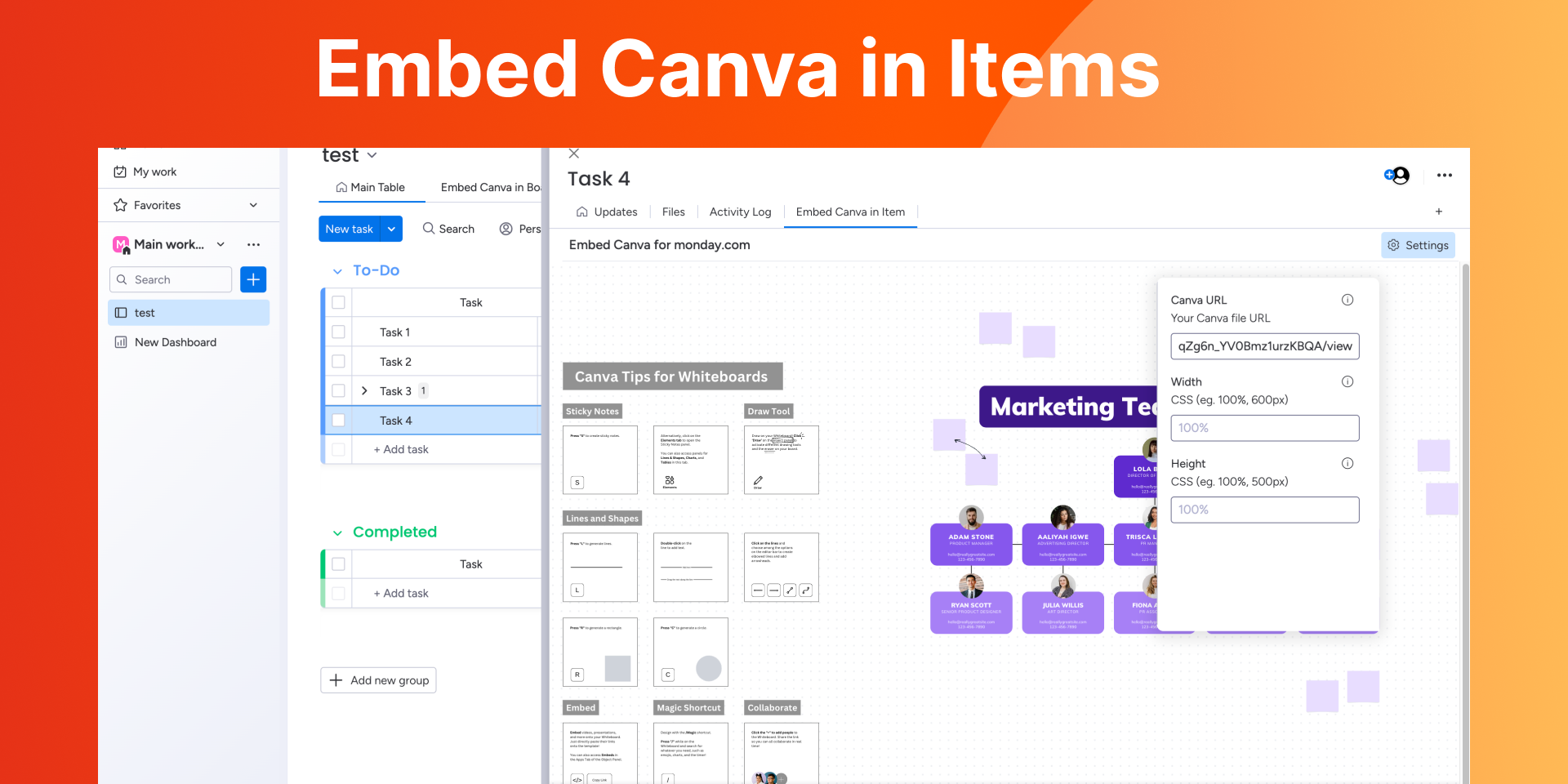
Enrich item views
Integrate Canva files into your item views for closer collaboration on a single task — the asset and the work stay together.
Elevate dashboards
Add Canva elements to your dashboards to present creative ideas and updates in an engaging, accessible way.
Questions, answered
Where does Canva show up in monday.com?+
Do I need a Canva account?+
How do I install it?+
How do I get support, and what does it cost?+

Guides for Canva
Practical how-tos and deep dives on Connect Canva with monday.com, from the team that builds it.
Bring Canva onto your boards
Install it on your account in a couple of minutes, or reach out with questions.