
Embed & Sync Google Calendar
Two ways to bring Google Calendar into monday.com. Embed it on a board for a shared view of the schedule — or sync a board with a calendar in both directions, so items with a date become events and changes in Google come back to the board.
Start with an embed. Add sync when you are ready — the two are independent.
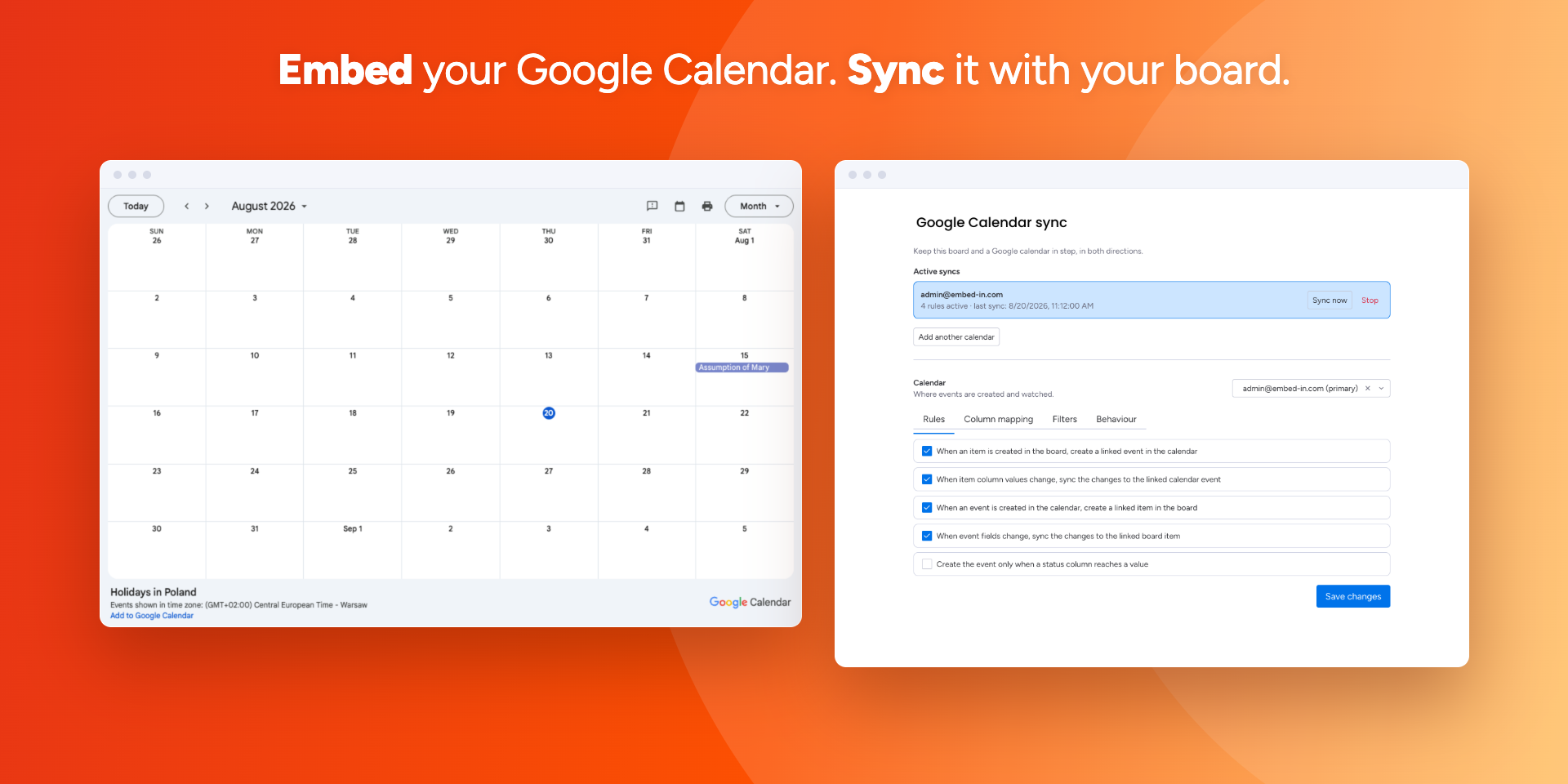
Your schedule, on the board
Stop cross-referencing a separate calendar — bring the dates to the work.
Schedules on the board
See meetings and deadlines next to the tasks they affect.
Two-way sync
Items with a date become events; move an event in Google and the item follows.
Rules you choose
Each direction is a separate switch, with your own column mapping and filters.
What it does
Embed a calendar. Paste a calendar URL and Google Calendar appears on a board, an item or a dashboard. Pick the default view, the first day of the week, the size and the colours. Nothing to connect, nothing to authorise — shared and read-only calendars work too.
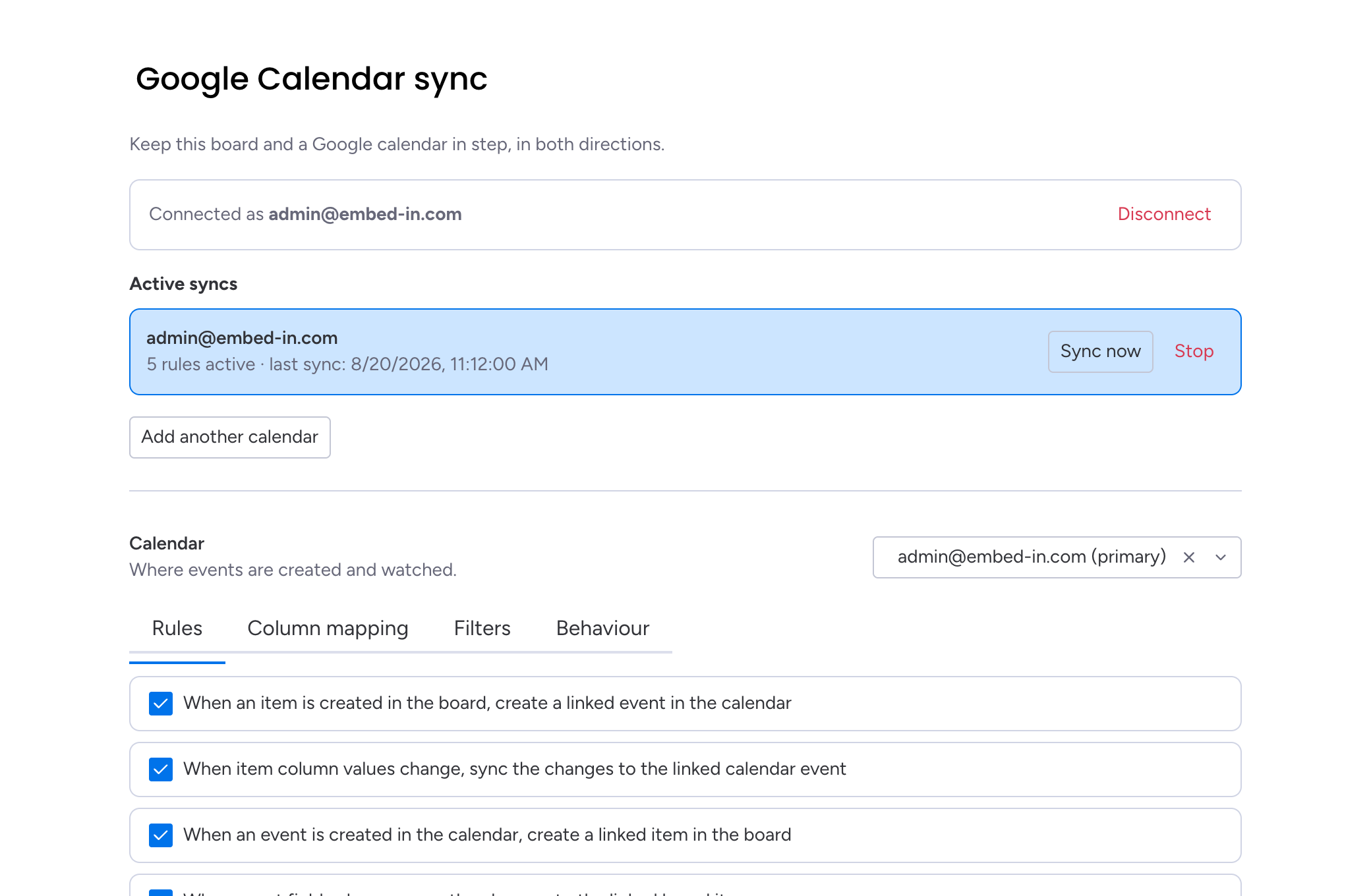
Sync a board. Connect a Google account once and the board keeps step with the calendar, in both directions. Items with a date become events; move an event in Google and the linked item follows. You decide which rules apply, which columns feed the event, and which groups or statuses take part.
The two halves are independent: embedding never asks for account access, and turning the sync off leaves your calendar exactly as it is.
Your calendar at every level of monday.com
Enhance board views
Embed Google Calendar directly into your boards, so you can see your schedule alongside project tasks.

Enrich item views
Bring specific calendar events into item views for tighter coordination around a single piece of work.

Elevate dashboards
Add interactive calendar elements to your dashboards to track important dates and deadlines in a clear, visual format.

Keep the board and the calendar in step
Tick the rules you want and each direction works on its own: create events from items, update them as items change, create items from events, or follow event edits back to the board.
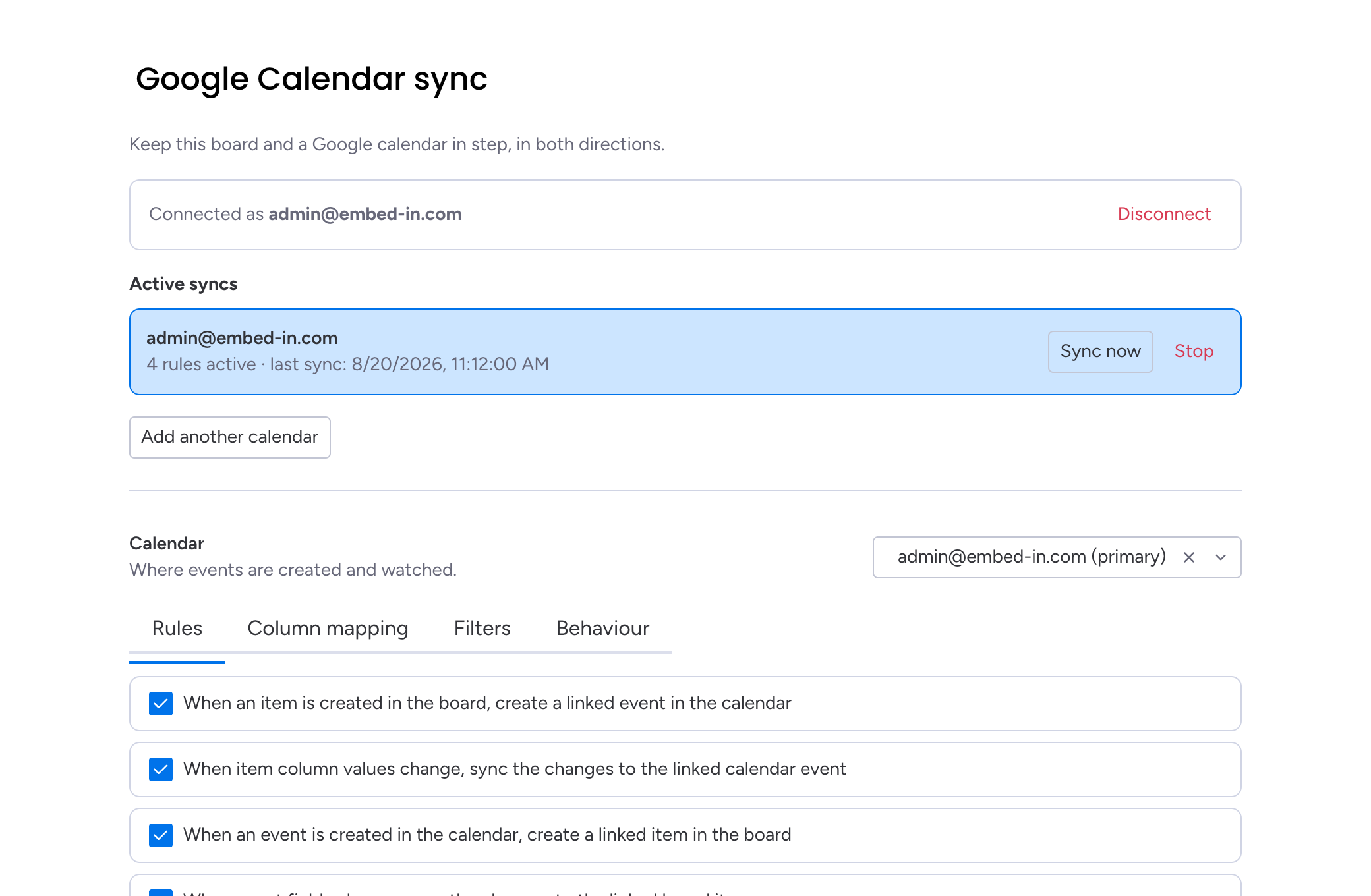
Your columns, your event fields
Point the event title, description, location, guests and meeting link at the columns you already use. A date column gives a timed event, a timeline gives a range.
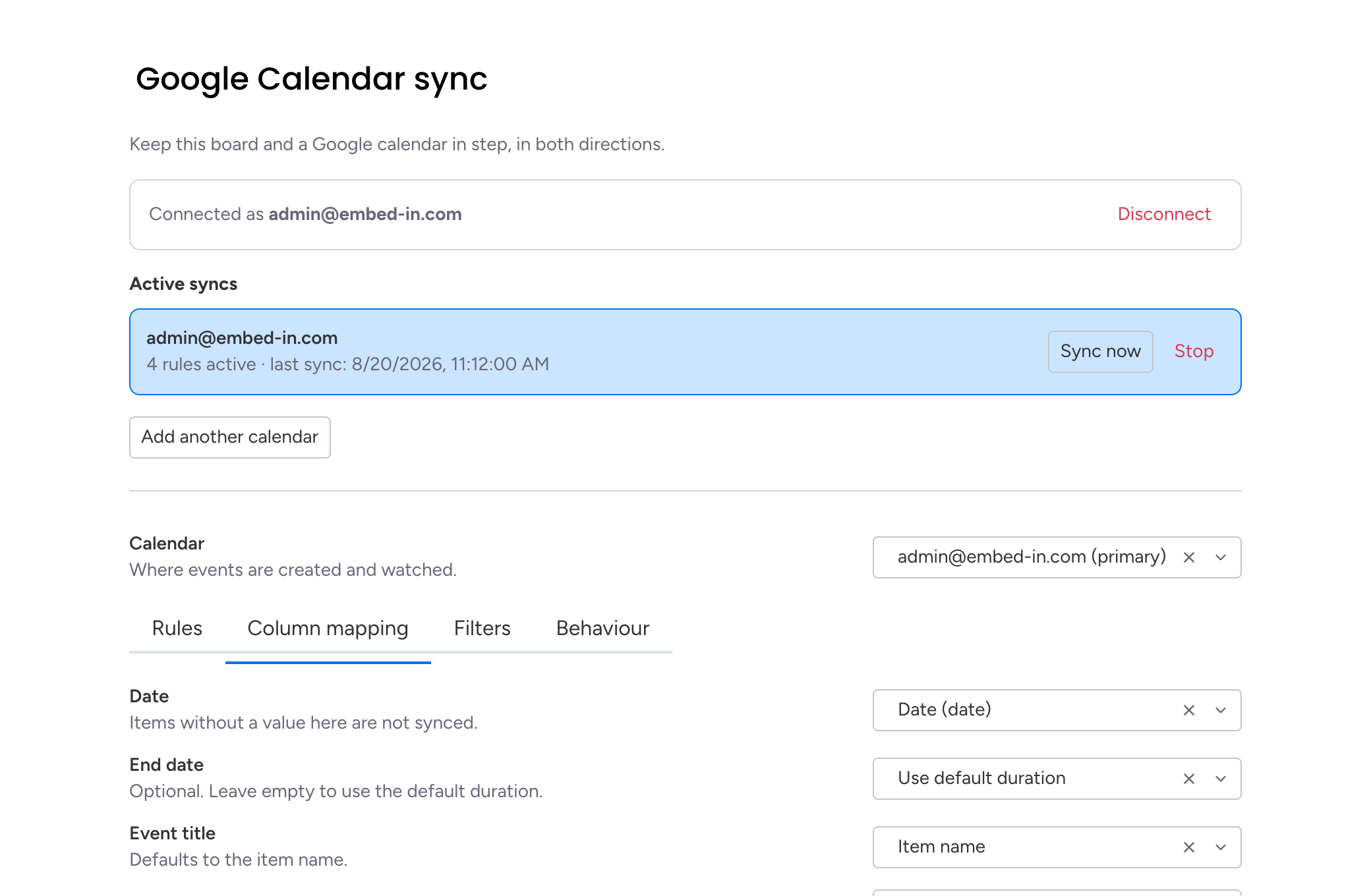
Only what should be there
Create events only once a status changes, limit the sync to certain groups or statuses, and choose what a deleted event does to its item.
Make it yours
Customise the appearance and functionality of the embedded calendar to suit your team's needs and the specifics of your workflow.

Questions, answered
Where does the calendar show up in monday.com?+
Do I need a Google account?+
Can I customise how the calendar looks?+
What does two-way sync actually do?+
Do I have to use the sync?+
What happens when I disconnect the Google account?+
How do I get support, and what does it cost?+
Guides for Google Calendar
Practical how-tos and deep dives on embedding and syncing Google Calendar, from the team that builds it.
Two-way sync between monday.com and Google Calendar
Keep a board and a calendar in step in both directions: items with a date become events, and changes made in Google come back to the board.
Read the guide →Sync monday.com items to Google Calendar automatically
Map the columns once and every item with a date shows up as an event, with the right title, guests and location.
Read the guide →Turn Google Calendar events into monday.com items
Meetings get booked in a calendar, not on a board. Sync the other direction so the work that comes out of them lands where you track it.
Read the guide →How to embed Google Calendar in monday.com boards
Bring the meetings and deadlines you track in Google Calendar onto your monday.com board, so schedules sit next to the work they belong to.
Read the guide →Put your calendar on the board — and keep it in step
Install it on your account in a couple of minutes, or reach out with questions.