
 SOP & Compliance Checklists
Ask any team what went wrong in their last bad release and you will hear one of about six answers. The migration ran before the backup. Nobody checked the feature flag was off for everyone else. The rollback plan existed but had never been tried. The verification was "it loads on my machine." Someone shipped on a Friday because the checklist that said not to lived in a wiki.
None of those are hard problems. They are known problems, which is exactly why they belong in a checklist rather than in the heads of whoever happens to be shipping. This guide covers how to model a release as a checklist on the release item in monday.com: the phases worth having, how to gate them so the order holds, how to keep the procedure from drifting release to release, and what record you are left with afterwards.
What actually goes wrong in a release
Release failures cluster into two groups, and only one of them is technical.
The technical group is genuinely hard and no checklist will save you: an unforeseen interaction, a load pattern you had not modelled, a dependency that changed under you. That is what verification and rollback are for.
The other group is procedural, and it is the majority. A step was skipped because it was somebody else's step. A step was done in the wrong order because the ordering rule lived in a paragraph nobody re-read. A step was marked done without being done, because "done" was never defined. Nobody could say afterwards who had checked what.
Those are the failures a checklist removes — not by being clever, but by being present, ordered, owned and recorded. SOP & Compliance Checklists puts it on the release item itself, where the release is already being tracked.
The four phases worth modelling
Almost every release checklist worth having has the same four sections. The contents vary by stack; the shape does not.
- Pre-flight — the things that must be true before anything ships. Tests green on the release branch, migrations reviewed, backup taken and its restore verified, feature flags in their intended state, change window agreed, the people who need to know told.
- Deploy — the mechanical steps, in order, with the person doing them named. Migrations before code or after, depending on your setup; the ordering rule belongs here as gating, not as a comment.
- Verify — evidence the release did what it was meant to do, checked from outside the deployment. Smoke tests, key user journeys, error rate and latency compared against pre-release, the specific behaviour this release changed.
- Rollback plan — written before the deploy, not during. What the trigger is, who decides, the exact steps, and how long the window is before the decision has to be made.
Give each step an owner from the board's people so no step belongs to "the team", and a due date where the release has a change window. Where a step has a meaningful size — a migration you know takes forty minutes — record an effort estimate so the phase carries a realistic sense of how long it will take.
Write the rollback plan into the pre-flight phaseThe rollback steps are worth having as real tasks in the checklist, even though you hope never to tick them. A rollback plan written while the release is calm is a plan; a rollback plan improvised while the release is on fire is a second incident. If you do need it, you already have the runbook — and the incident checklist guide covers what happens next.
Gating, locking and who may tick what
Two controls turn a list into a process.
Dependencies enforce the order. Deploy steps depend on pre-flight completion. Verification depends on deploy. Announcing the release depends on verification. A gated step stays inactive until its predecessor is checked, so the sequence is a property of the list rather than a rule someone has to remember at the wrong hour.
Restrict completion decides who may mark a step done: with it on, only a task's assignee or an admin can complete it. That closes the most common quiet failure in release checklists — one person ticking the whole list on everyone's behalf, including the steps they did not perform. If the database owner is the assignee on "backup verified", nobody else can assert that it was.
Pair those with Lock structure, which limits adding, editing, reordering and deleting steps to admins. The release procedure stops being something each release quietly edits down. There is a fuller treatment of the three controls in the permissions and governance guide.
A release checklist that anyone can shorten is a suggestion. One that gates its own order and only lets the responsible person tick their own step is a process.
Make it happen on every release, not the careful ones
A release checklist used on the releases you were already being careful about has changed nothing. The value is in the routine ones — the small fix at the end of a sprint, the config change, the release nobody thought needed ceremony.
Save the checklist as a template, then make it automatic. Set it as the board default, turn on auto-apply so every new item on the release board starts with the procedure attached, or bulk-apply it to releases already in flight. The point is that nobody has to decide to use it.
If you release on a cadence — a weekly train, a fortnightly deploy window — set the checklist to recur instead. It resets at the start of each cycle and keeps a completion streak, so the routine arrives ready rather than being cloned by hand. The recurring checklists guide covers cadence and streaks.
Progress where release managers actually look
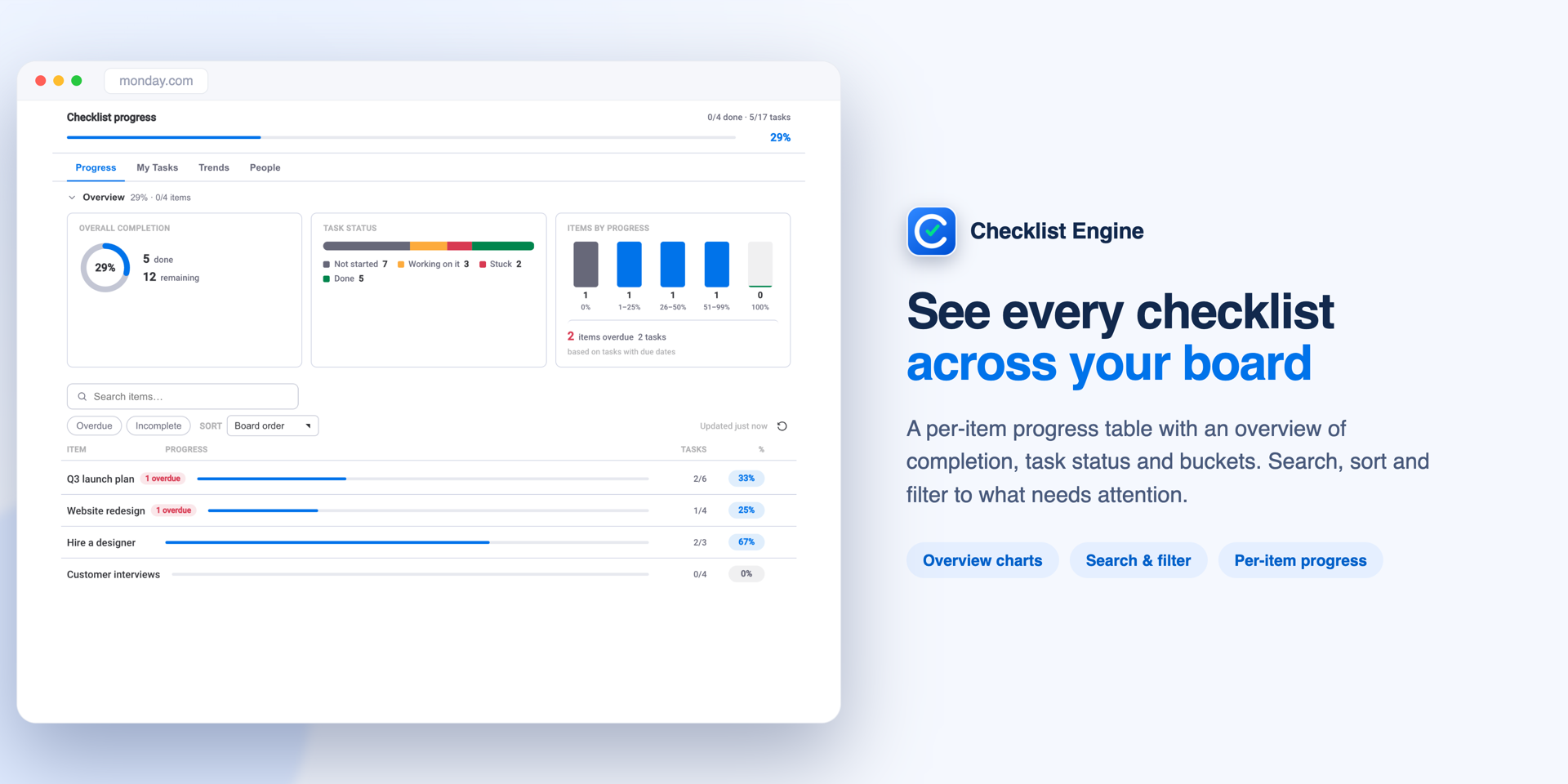
Mirror completion into a board column and the release board shows how far through the procedure each release is without anyone opening an item. A number column for percent, a status column that flips to Done at 100%, or a text summary like "9/14 · 64%". From there, existing monday.com automations can nudge a stalled release or notify a channel when one reaches verification.
A record of every ship
Afterwards, the audit trail holds what happened: every status change, assignment and completion, with the person and the timestamp. When a release goes wrong three days later, the first question is always some version of "what did we actually do?" — and the answer is on the item rather than in somebody's recollection.
For teams with a change-management obligation, Compliance sign-off adds a formal certification of the whole checklist with the signer's role and the completion at signing, and the export produces a PDF audit report carrying a SHA-256 fingerprint that changes if the underlying data does. That is usually what a change-advisory board or an ISO 9001 auditor is asking for when they ask whether your release process is followed. See compliance sign-off for the details.
The compounding benefit is smaller and better than any of that: after a few dozen releases, the checklist is the accumulated memory of everything that has ever gone wrong. Every incident that ends with "we should always check X" becomes a step, once, and then it is checked every time by whoever is shipping — including the person who has been here two weeks.